top of page


UI Designer
Design Challenge Ver.2
Identify improvements and refine the design
Identifying improvements
Important steps after creating mockups are 1. Evaluate the final designs 2. Identify improvements 3. Refine.
After completing the design challenge, I wanted to further improve my designs and address the following questions:
-If I had 1 more week to work on it, what would I have done differently?
-What would I add or continue to refine?
-Does the every decision I make have a purpose and intentions?
-What problems am I attempting to solve?
-Is the design thoughtful and clear?
-Does the design improve user experience?
Sketch


1. Skin Tone

2. Hair Treatment

3. Hairstyle

4. Hairstyle - colour picker

5. Eye Shape

6. Eye Position

7. Eyebrows

8. Eyelashes

9. Nose

10. Glasses
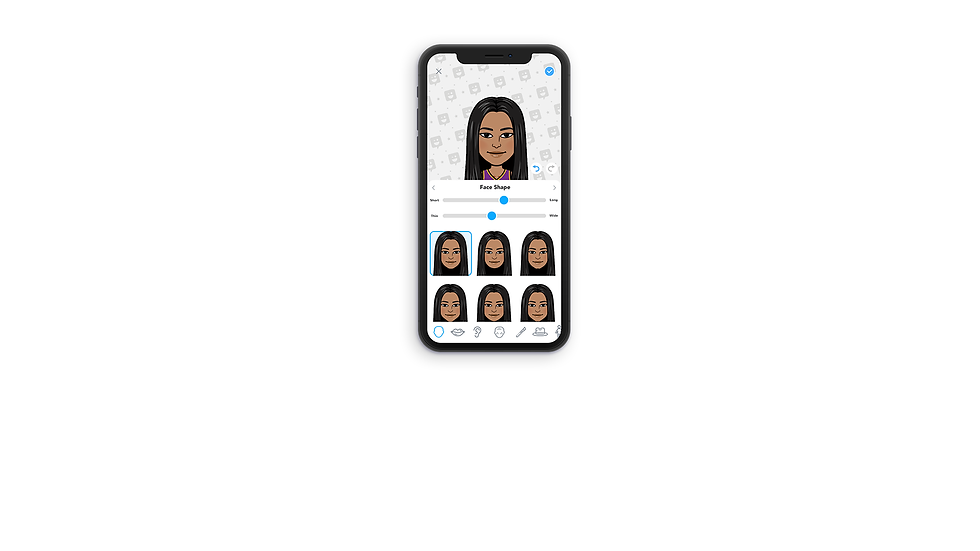
11. Face Shape
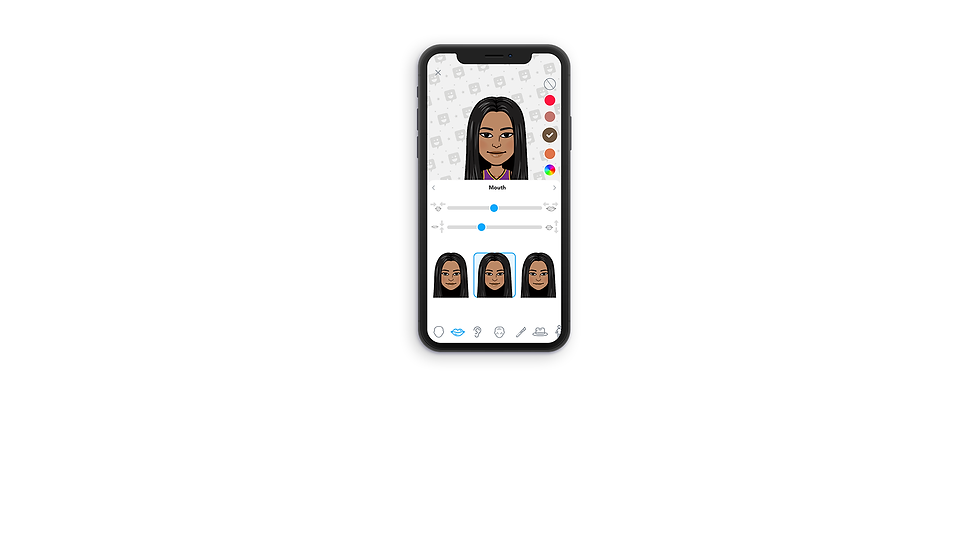
12. Mouth

13. Ears

14. Cheek Lines

15. Forehead Lines

16. Eye Lines

17. Eyeshadow

18. Blush

19. Headwear

20. Body Type

21. Chest Size
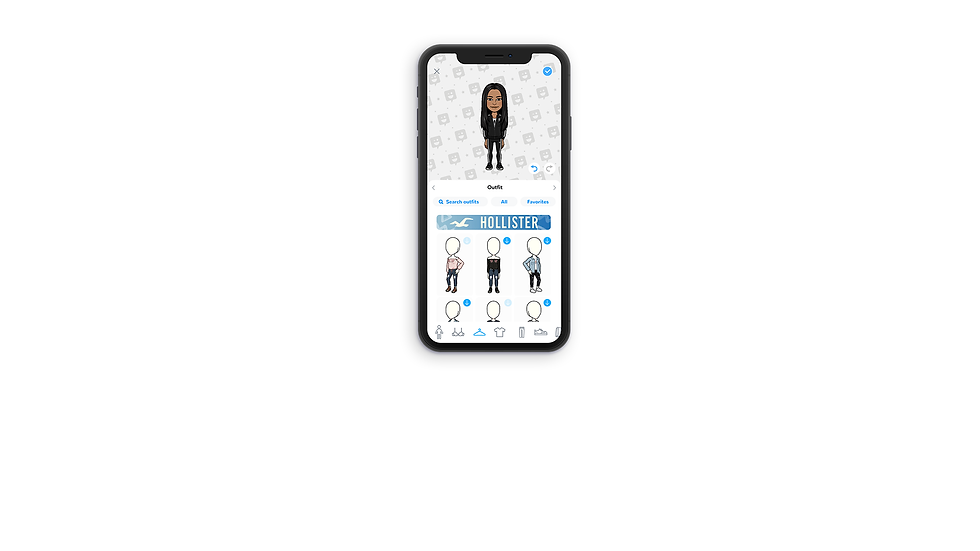
22. Outfit - downloadable content

23. Outfit - Favourites

24. Outfit - Search

25. My Closet
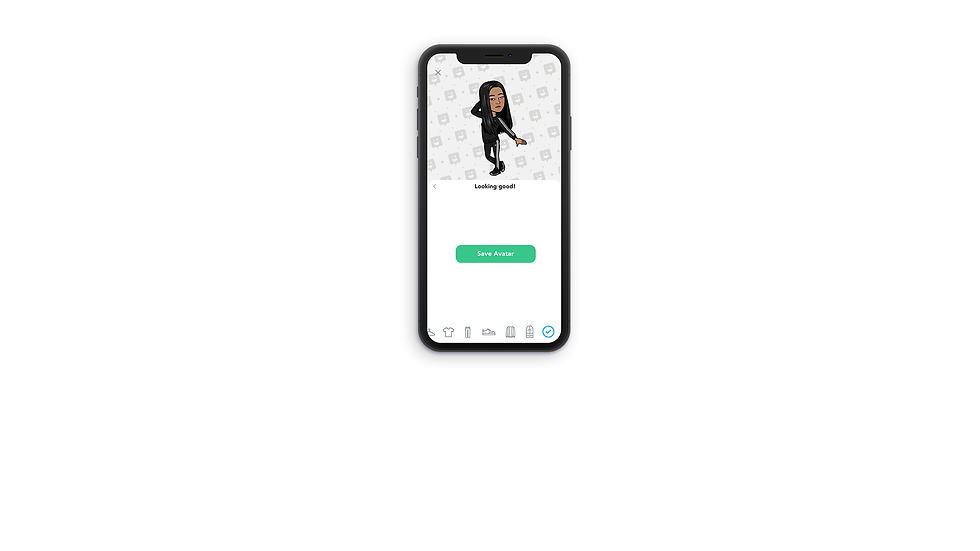
26. Save Avatar

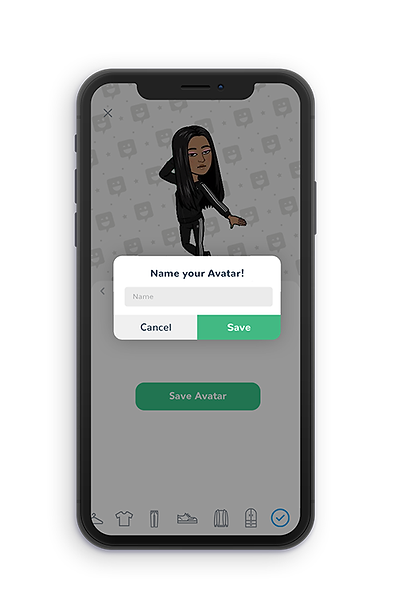
27. Name Avatar

28. Avatar Creation Success
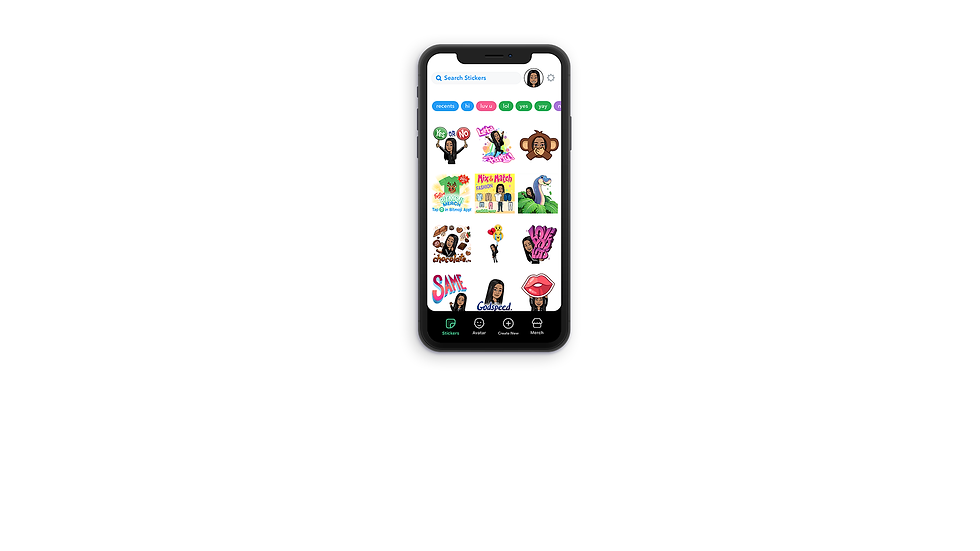
29. Home

30. Home - Change Avatar

31. Avatar Gallery
Creating a new avatar
1. From the home screen


Create a new avatar
Create a new avatar
-Create from scratch
-Edit existing avatar
Users can edit the avatar that's currently selected from this button. (Shortcut)
2. After saving an avatar




3. From Avatar Gallery


Create from scratch
Edit

Duplicate

Delete
.png)
Background Images


Thank you for your time!

bottom of page